Biblio

Biblio for Mac, iPhone, iPad and the webYour library, in 3D.

Biblio shelves your EPUBs, PDFs and paper books as real hardcovers. Pick one up, turn it over, read it. One library, on every screen you own.

One App Store download for iPhone, iPad and Mac. Free to start, no account required.

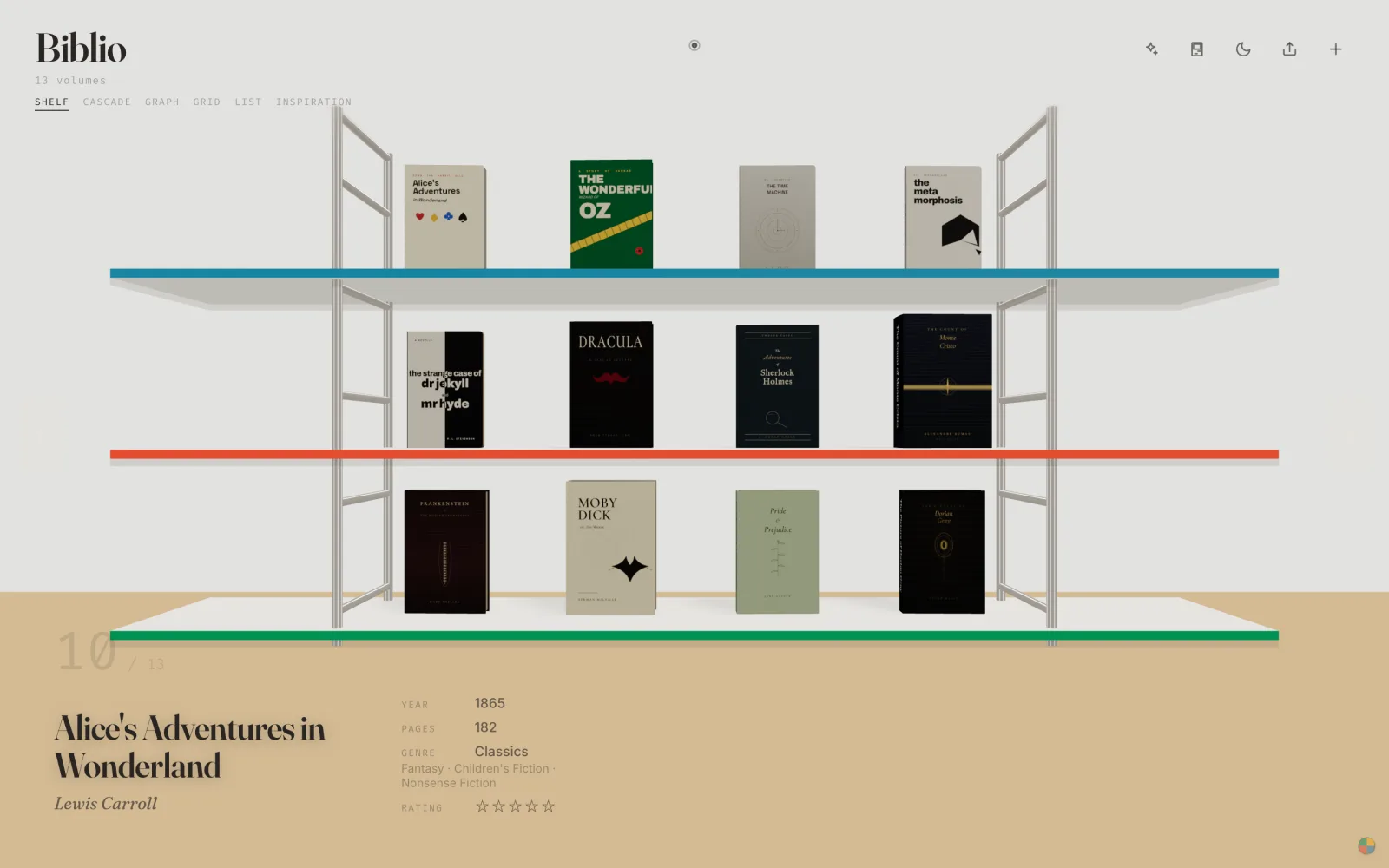
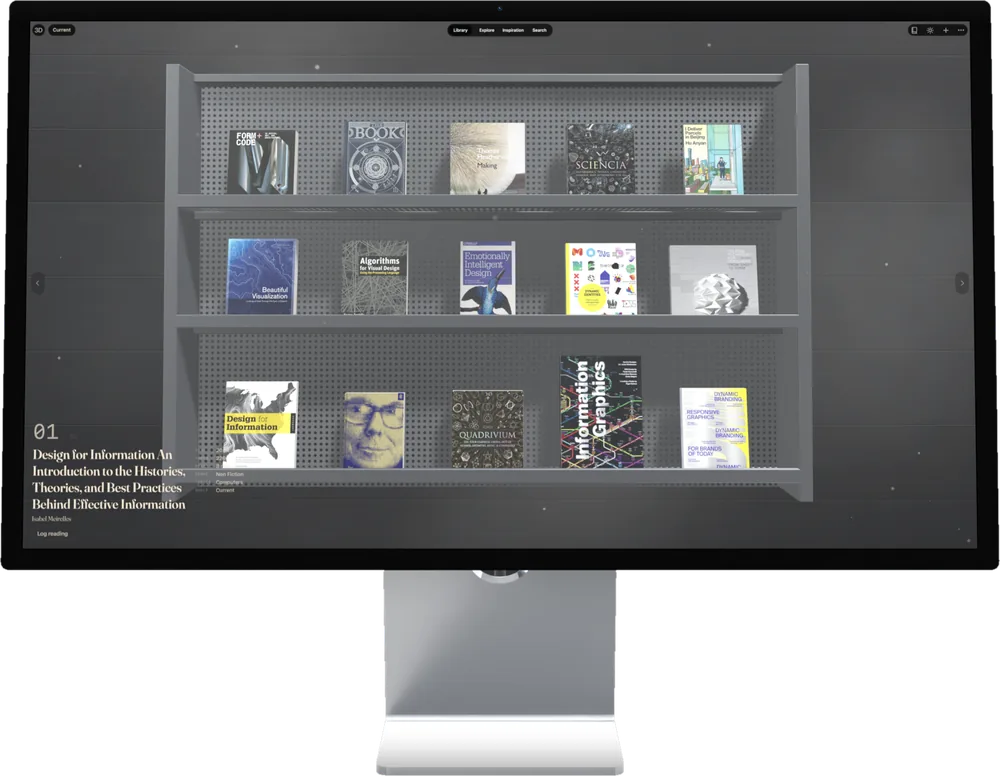
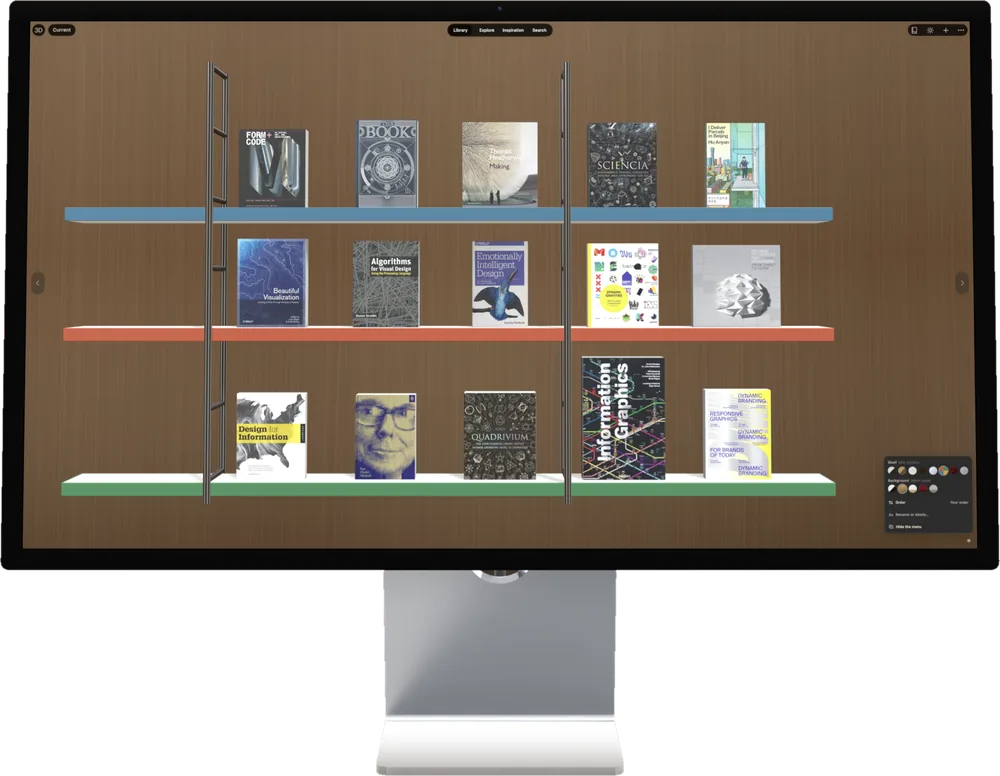
Biblio on Mac: a three-tier wooden bookshelf of 3D hardcovers, Dracula selected with its year, pages and genre shown below.
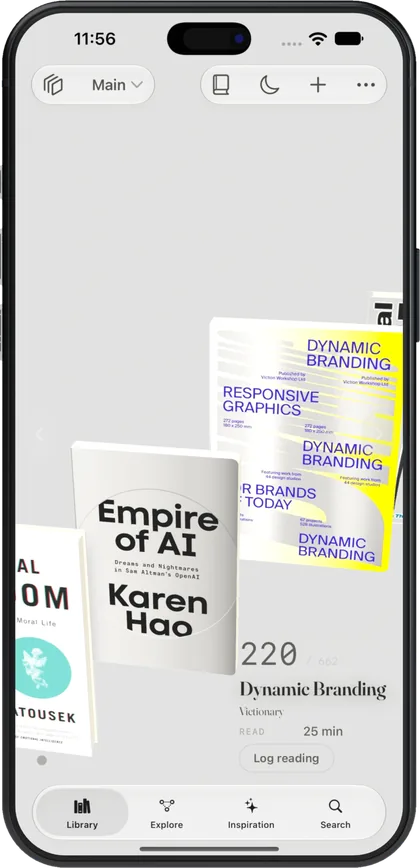
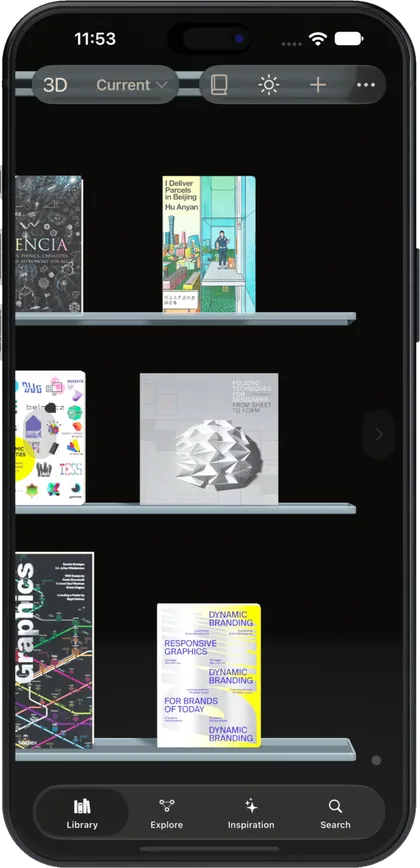
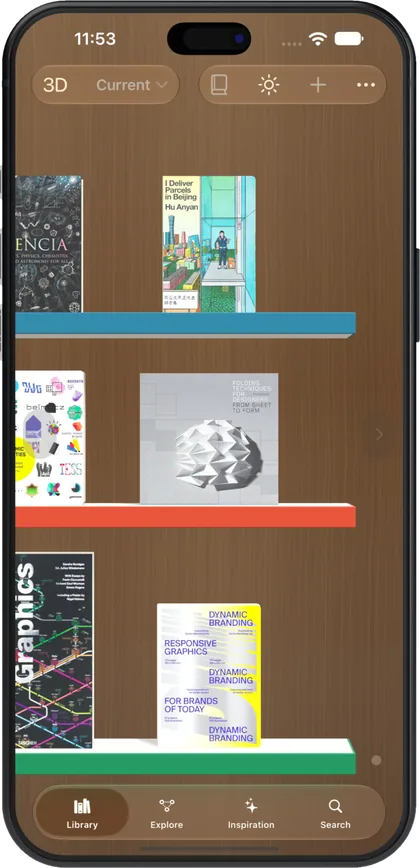
Biblio on iPhone: the same wooden shelf sized for one hand, two books per tier.

Mac

The shelf that lives on your desk.

A native Mac app with the full 3D shelf. Drag books in from the Finder, hold ⌘ and scroll to zoom out to the whole wall, and read in a real window.

  • Drag and drop EPUBs and PDFs straight from the Finder onto the shelf.
  • Menu bar and keyboard shortcuts for every view, plus right-click on any book.
  • Reads with the room's light. Wood, gallery and glass shelves that follow your Mac's appearance.
  • Sync with iCloud or Biblio Cloud, so your iPhone shelf and your Mac shelf are the same shelf.
Get it for Mac

Requires macOS 15 or later on an Apple silicon or Intel Mac. Also runs in Safari and Chrome at biblio.ink.
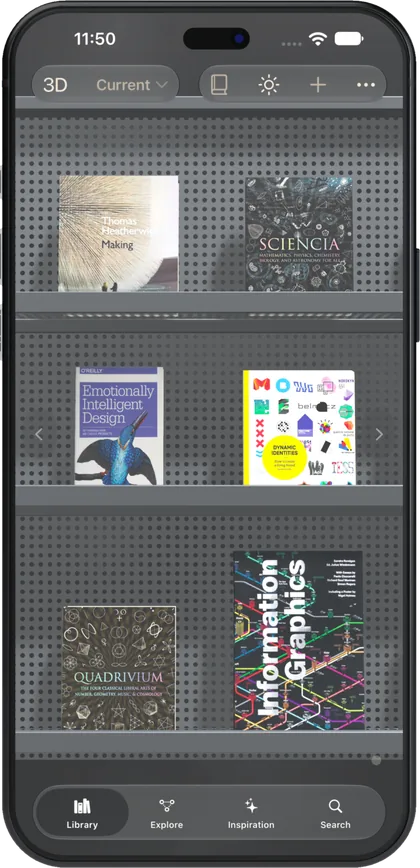
Biblio on Mac: a hardcover of Dracula lifted off a wooden shelf and tilted, with Read, Information and Send to Kindle buttons below it.

iPhone

Your whole library, in your pocket.

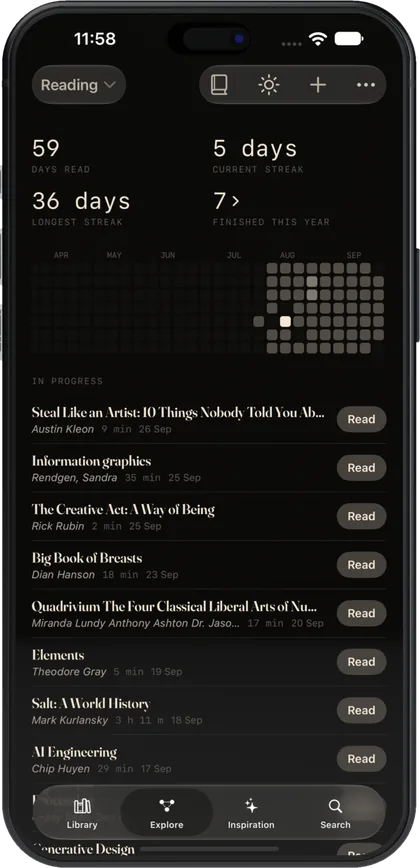
The same 3D shelf, sized for one hand. Read on the train, log a paper book you finished, or point the camera at a real bookcase and let Biblio read the spines.

  • Photograph a shelf of paper books and Biblio adds them, spine by spine.
  • Ask Vidya, the librarian, about your own books. On iOS 26 it thinks on-device.
  • Widgets, Siri and Spotlight. The book you are reading is one tap from the Home Screen.
  • Reading log keeps itself. Sessions are recorded while you read; you never fill in a form.
Get it for iPhone

Requires iOS 18 or later. On-device Vidya needs iOS 26 and an Apple Intelligence-capable iPhone.

Biblio on iPhone: the reader open to the first page of the Biblio guide, set in a serif face on cream paper.

iPad

A reading room you can hold.

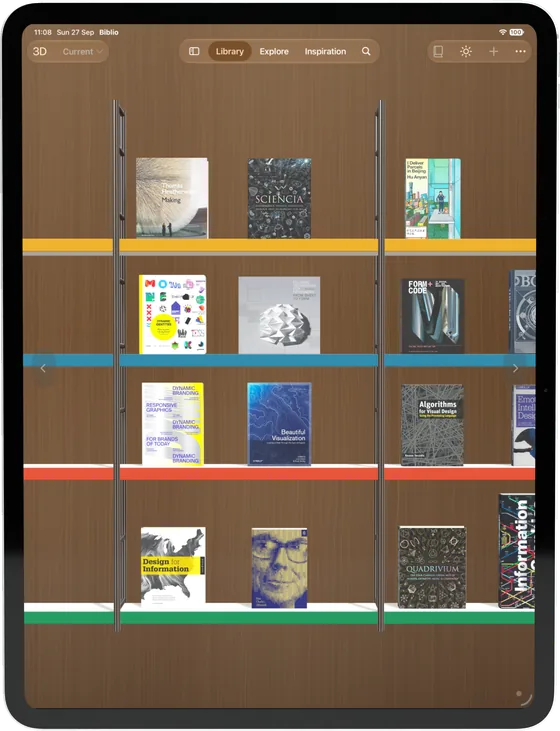
On iPad the shelf stretches to three tiers and the reader gets the page size it deserves. Drag a book from Files, or from Biblio on your Mac when they sit side by side.

  • Three-tier shelf with room-scale zoom: one row for browsing, the whole wall for choosing.
  • Drag and drop from Files, Mail and Safari; drop a PDF and it is a book.
  • Handoff the page you are on to your iPhone or Mac and keep reading.
  • Highlights and notes in the reader; any passage becomes a shareable quote card in the book's own colours.
Get it for iPad

Requires iPadOS 18 or later.

Biblio on iPad: a three-tier wooden bookshelf with hardcovers standing on each tier, Dracula selected.

Web

No install. Just a shelf.

biblio.ink is the full app in a browser tab. Drop a book onto the page and it is shelved, stored in your browser, and readable offline the next time you open the tab.

  • Local-first. Your library lives in browser storage. No account, no upload.
  • Works offline once loaded, including the reader.
  • Publish a shelf at biblio.ink/u/your-name and send the link to a friend.
  • Windows and Linux friendly. Any recent Chrome, Safari, Firefox or Edge.
Open biblio.ink

Roughly 1,000 books fit in 5 GB of browser storage. Add it to your Dock or Home Screen for an app-like window.

biblio.ink
Biblio in a browser: a mid-century shelf with coloured edges against a gallery wall, Alice's Adventures in Wonderland selected.

One shelf, every screen.

Start on the web, keep going on your phone. Membership turns on sync; everything else is free.

iCloud

Between your Mac, iPhone and iPad, through your own iCloud account. Nothing passes through us.

Biblio Cloud

Between the web app and the Apple apps. Sign in with the same account and the shelf follows.

Or neither

Keep it on one device. Export a full .biblio backup any time, no membership needed.

Built for people who keep books.

The same features on every platform, so nothing you learn on one screen is lost on another.

Real hardcovers

Spines, covers, page edges and weight. Books stand at their true size, so a big atlas is a big atlas.

A reader that remembers

EPUB and PDF, highlights and notes, and a reading log that writes itself while you read.

Vidya, the librarian

Ask about your own library in plain words: what to read next, what you own by an author, where a book is set.

Book Designer

Restyle any cover: upload art, pick a binding, lock proportions. Four templates free, more with membership.

Map and constellation

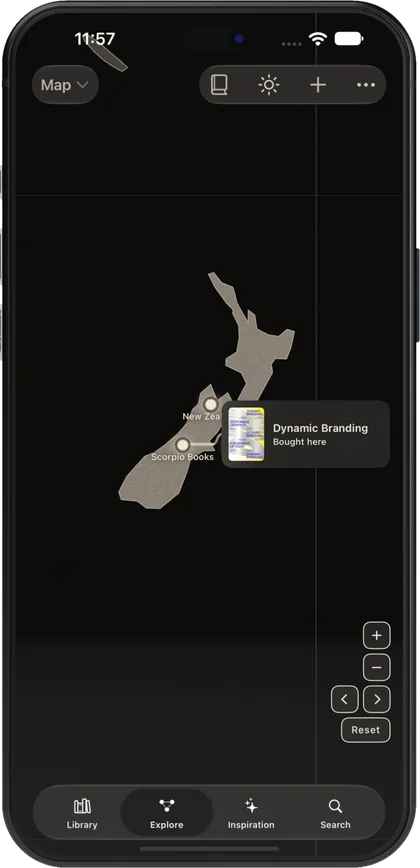
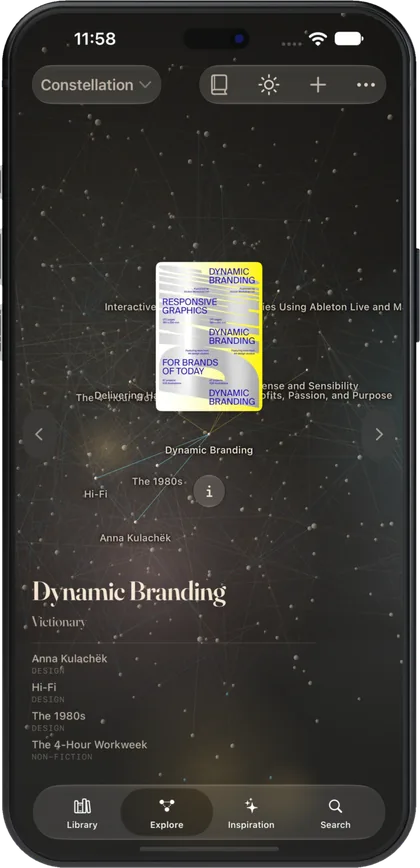
See every book on a world map by where it is set, or as a night sky of authors and themes.

Shelves you can share

Publish any shelf at biblio.ink/u/your-name. Friends browse it in 3D, no account required.

Free to start. Honest to upgrade.

Unlimited books on your device cost nothing, on every platform. Membership adds sync, a deeper-thinking Vidya and custom book styles. Full comparison on the pricing page.

See pricing
Free
Unlimited books, this device, the reader, the librarian
Biblio Cloud
From $39 / year on the web
App Store
Same tiers as in-app purchases, billed by Apple
Founding
$129 for five years, price locked

Questions, answered plainly.

Is Biblio free?

Yes. The web app and the Mac, iPhone and iPad apps are free, with unlimited books stored on your device. Syncing between devices is a paid membership: Biblio Cloud from $39 a year on the web, or an in-app purchase on the App Store.

Which devices does Biblio run on?

iPhone and iPad on iOS 18 or later, Mac on macOS 15 or later (one App Store download covers all three), and any modern browser at biblio.ink.

Where is my library stored?

On your device. The web app uses browser storage; the Apple apps use on-device storage. Nothing leaves your machine unless you turn on sync. There is no account requirement.

Does it work offline?

Yes. Once loaded, the shelf, reader and your books all work without a connection.

Which file formats can I add?

EPUB and PDF. On iPhone and iPad you can also photograph a shelf of paper books and Biblio reads the spines and adds them.

Can I use the same library on the web and on my iPhone?

Yes, with a Biblio Cloud membership. Sign in with the same account on biblio.ink and in the app and your shelf follows you. On Apple devices you can sync through your own iCloud account instead.