atelier

Atelier for iPhone, iPad and MacA gallery for what your family makes.

Keep the children's drawings, your own design work and the paintings you love, and walk among them. Drawings hang framed on a long wall, prints lie on a lit table, and the masters wait in gilt.

One download for iPhone, iPad and Mac. The first 30 works are free; no account needed.

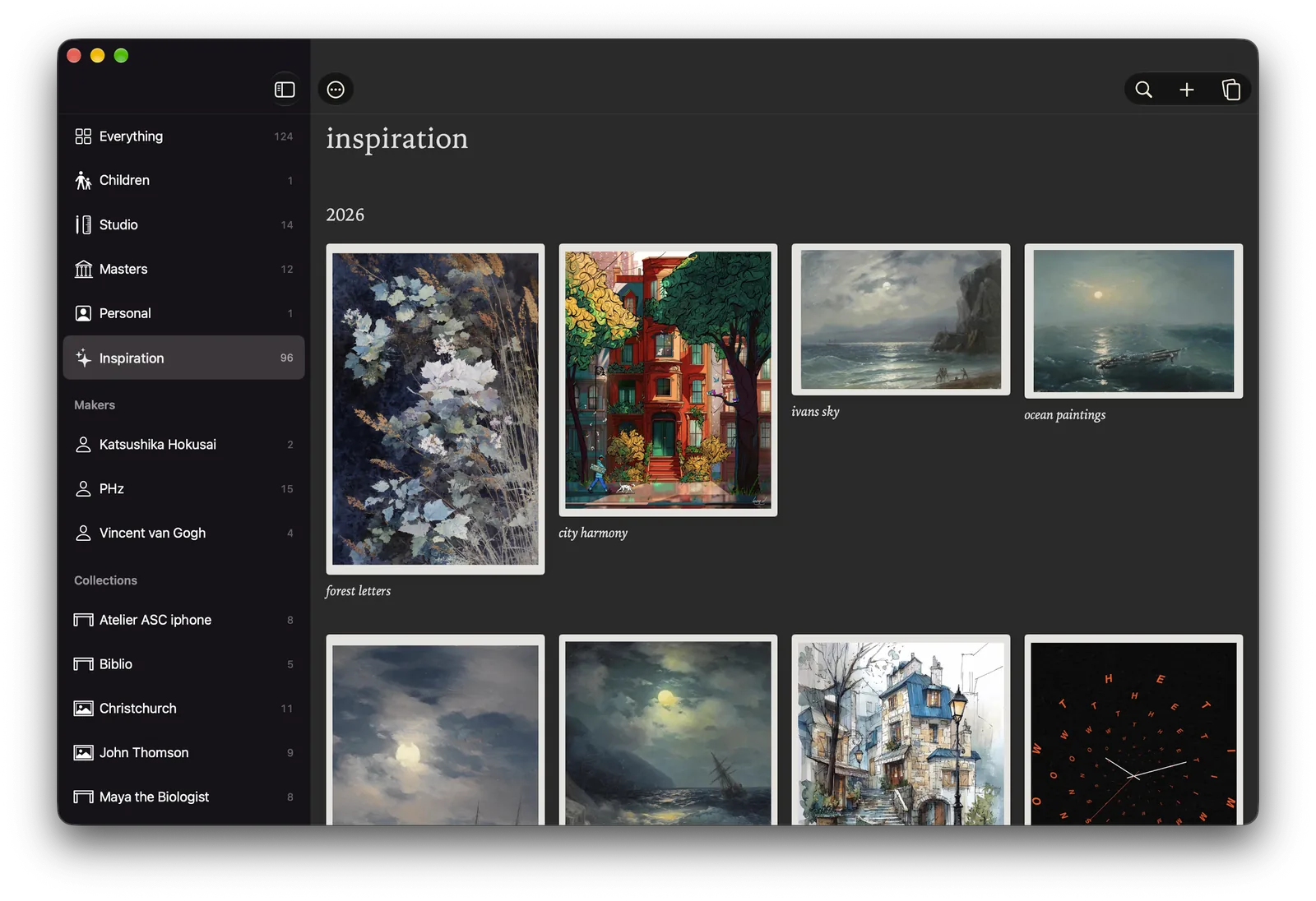
Atelier on a Mac: a sidebar of wings, makers and collections beside a grid of kept works, watercolours and seascapes under the heading 2026.
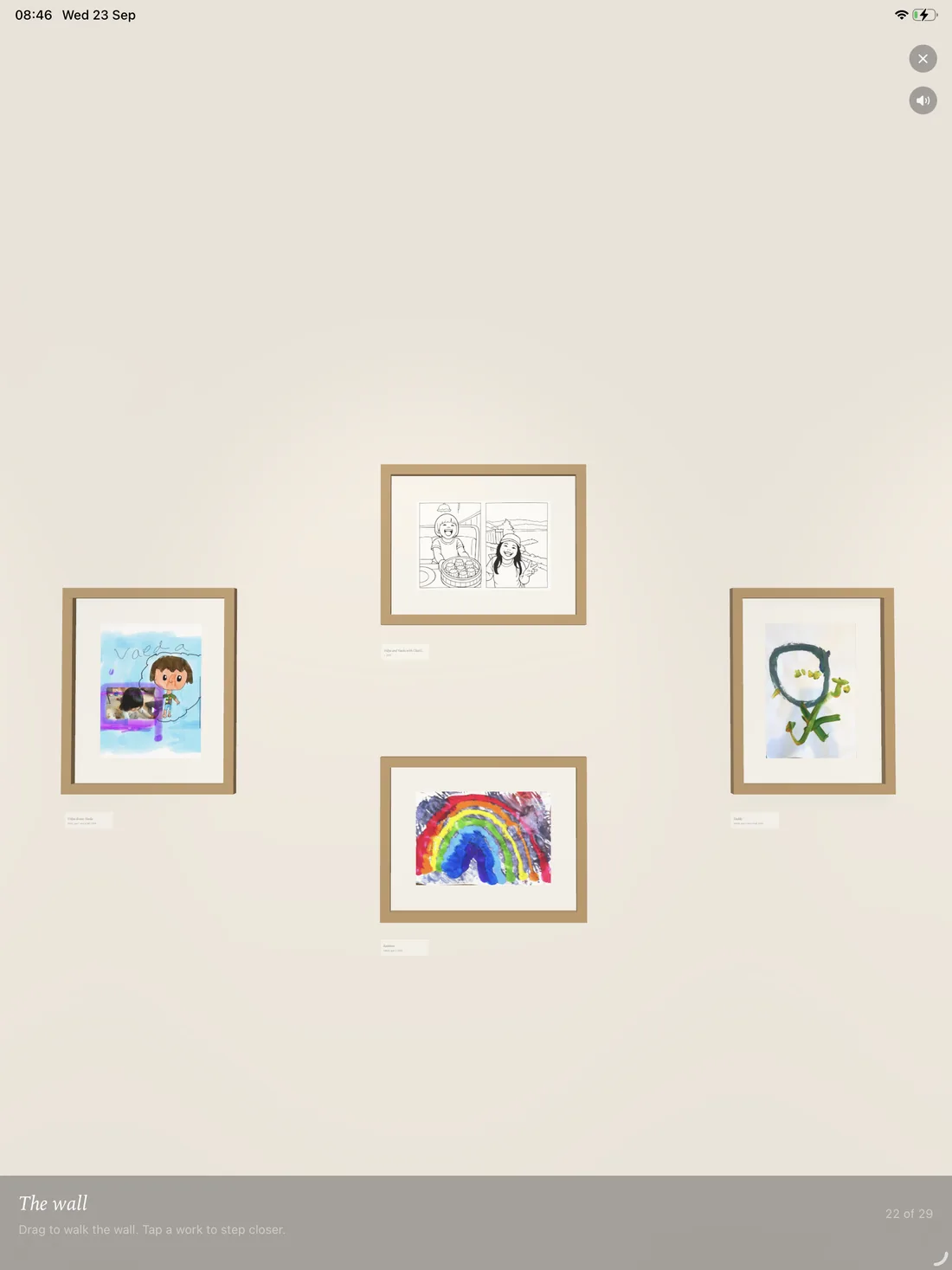
Atelier on iPad: the children's wall, with a rainbow and three other drawings framed on a pale wall.

The wall

Every drawing, framed and hung.

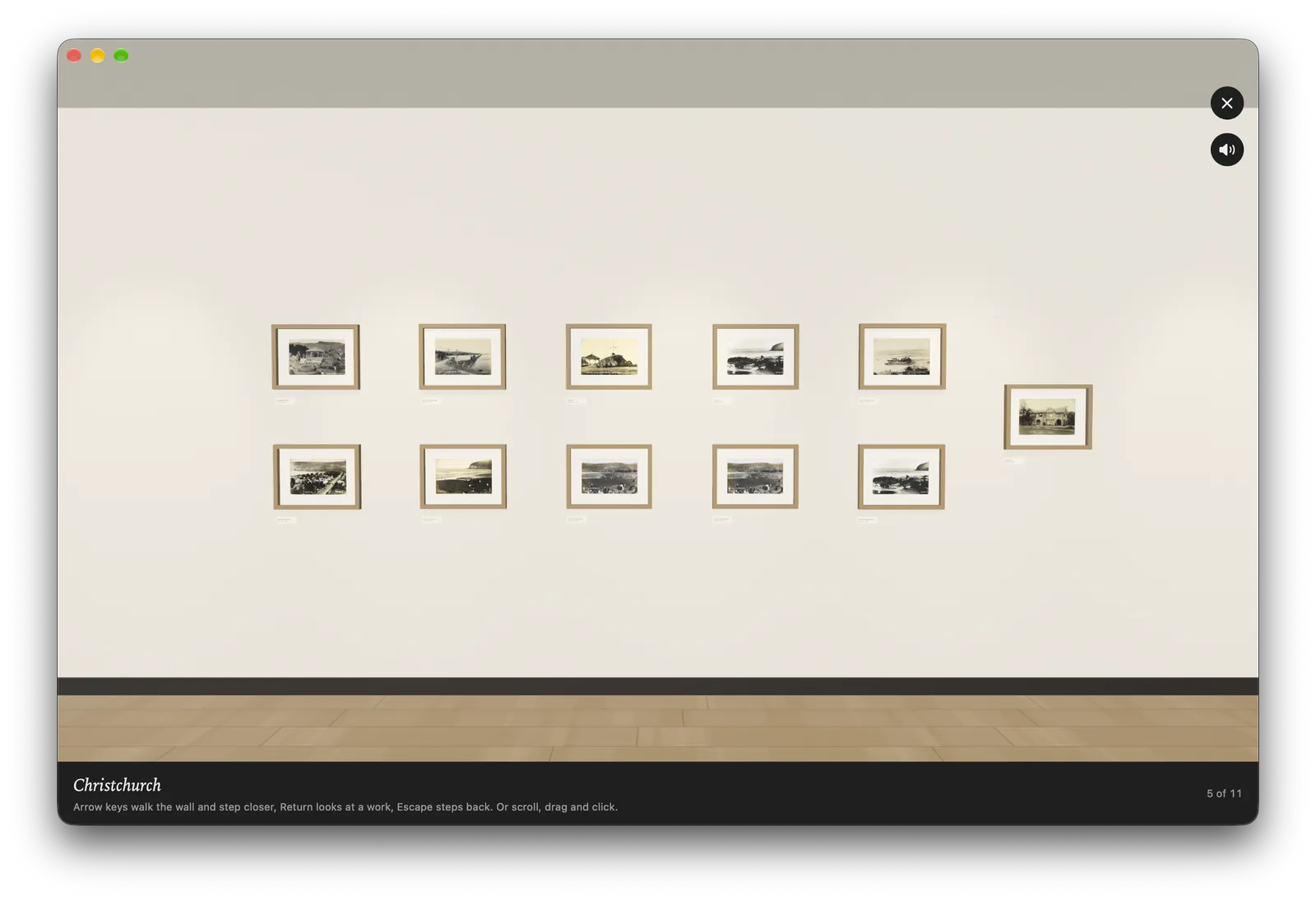
Children's work goes on one long wall, oldest first, with the year marked where a new one begins. Drag to walk along it and tap a frame to step up close.

  • Real size. An A4 drawing hangs as an A4 drawing; scale is part of the memory.
  • Ages, worked out. Give a child a birthday and every caption says how old they were.
  • The children's wall shows their work alone, apart from the old family photographs.
  • Films too. A short video plays in its frame when you step up to it.
The wall in Atelier on a Mac: two rows of small framed photographs of Christchurch along a pale gallery wall above a wooden floor.

The studio

Design work, laid out as it was made.

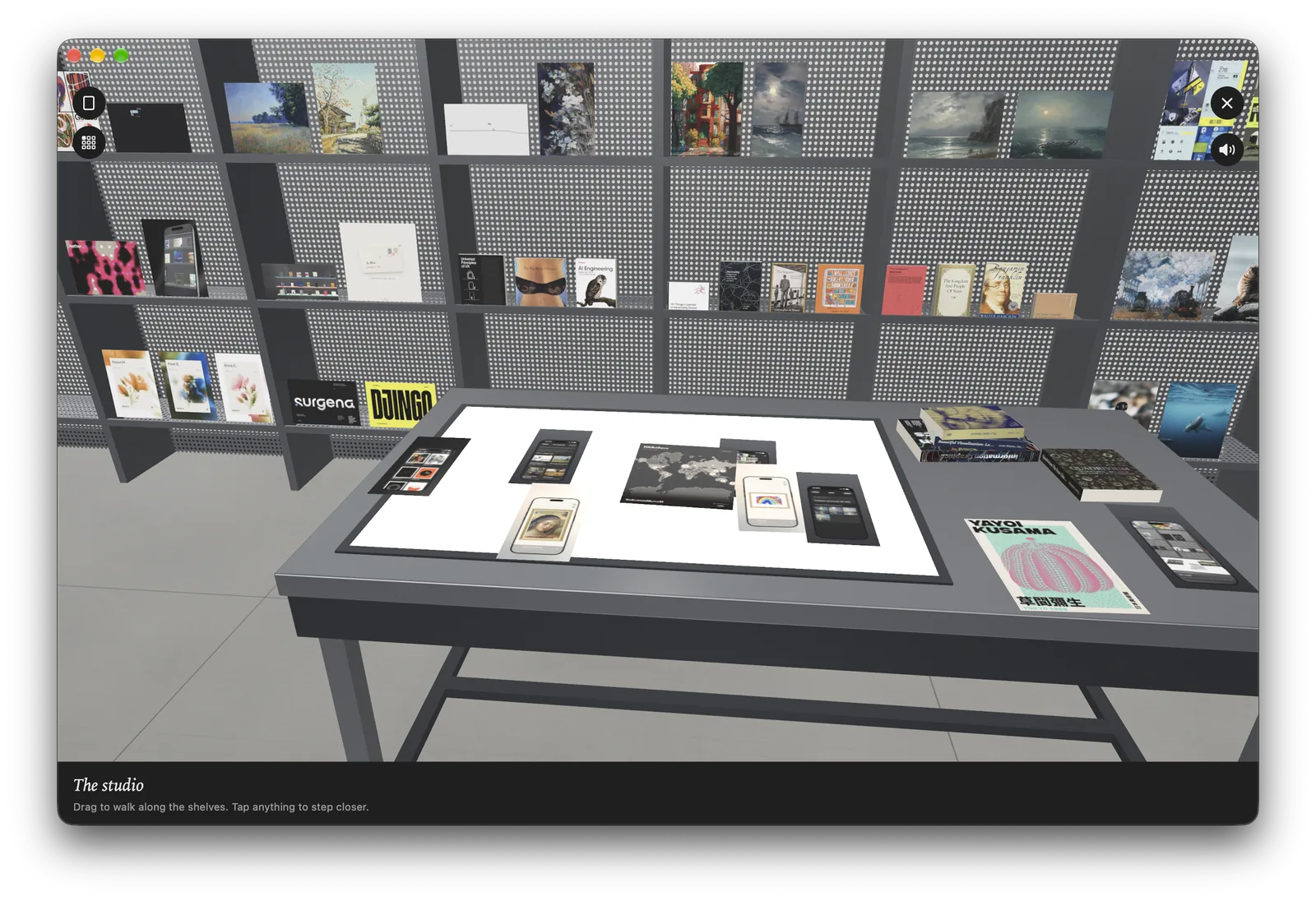
Posters, sketches and printed pieces lie on a lit table; publications stand face out on shelves that grow as you add more. Pick a sheet up and set it down where you want it.

  • Piles by collection or tag when the table gets crowded; open one to fan it out.
  • Clean mode shows one sheet at a time on the light panel.
  • Your Biblio books can stand on the shelves beside the work, if you link Biblio.
The studio in Atelier on a Mac: grey shelving full of posters and books behind a table with a lit panel holding printed sheets.

The mood board

The table from above, with no edges.

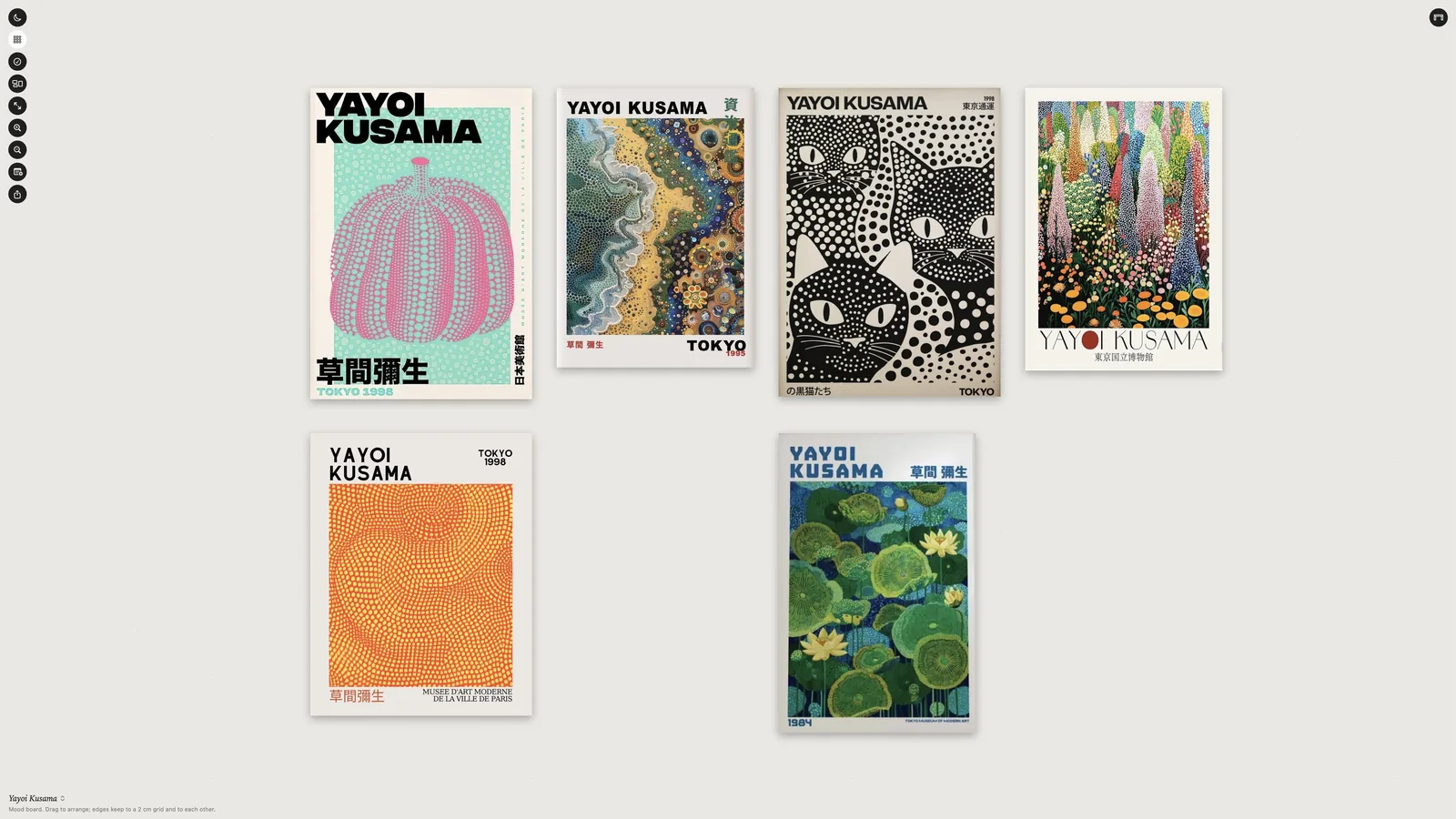
Arrange works freely. Edges and gutters snap into line, notes and colour swatches sit among the pictures, and each collection keeps a board of its own.

  • Export a PDF in real centimetres, ready to print or send.
  • Nothing moves by itself. New works arrive underneath what you placed.
The mood board in Atelier: six Yayoi Kusama exhibition posters arranged on a pale surface.

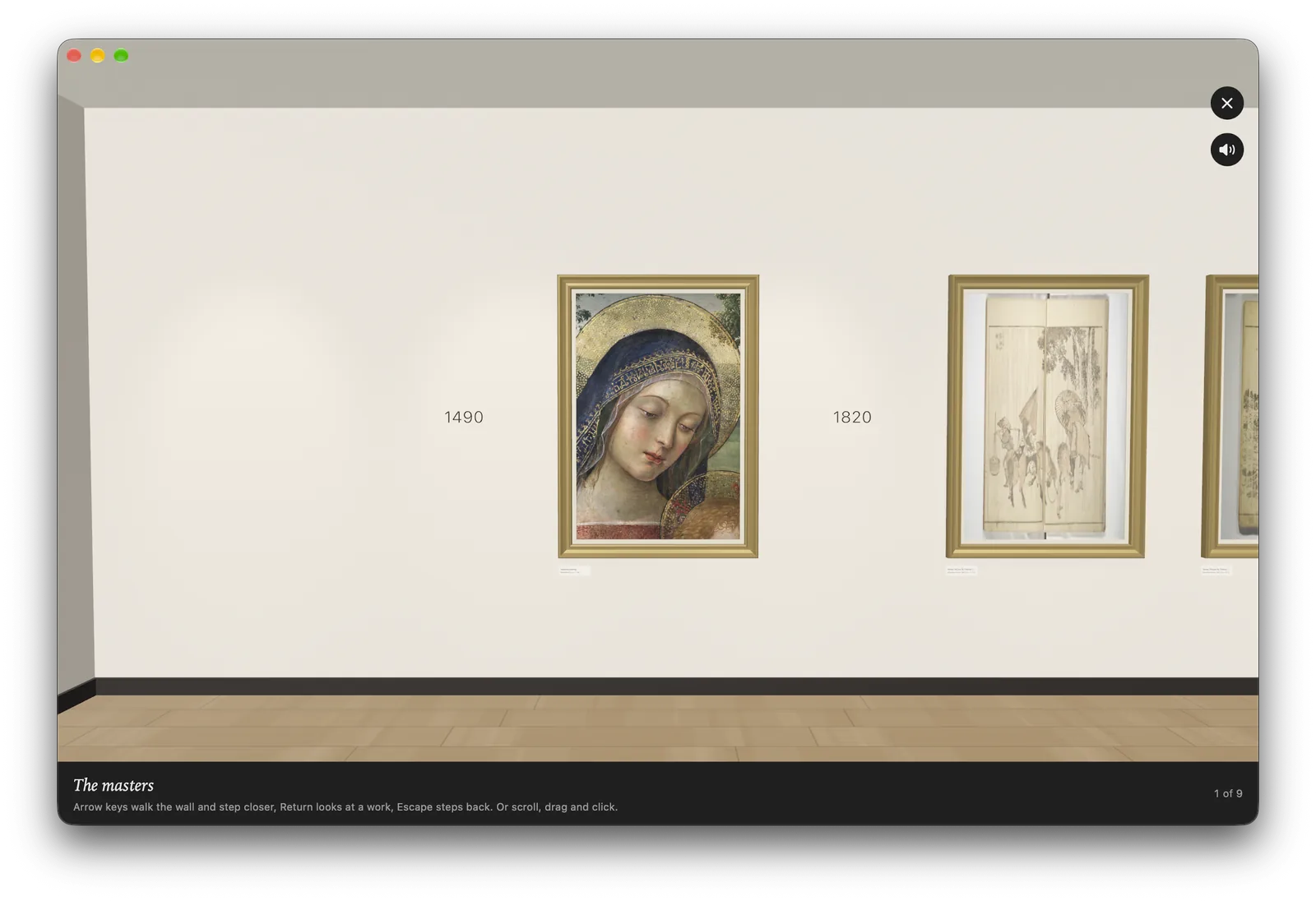
The masters

The paintings you love, in gilt.

Search the open collection of The Metropolitan Museum of Art and keep any public-domain work. It arrives with the museum's own record, and hangs in a room of its own.

  • Only works the museum marks public domain are shown, so every one is yours to keep.
  • The caption quotes the museum: the date, the medium, the real size.
The masters in Atelier on a Mac: a Renaissance Madonna in a gilt frame on a pale wall, the year 1490 beside it, a drawing from 1820 further along.

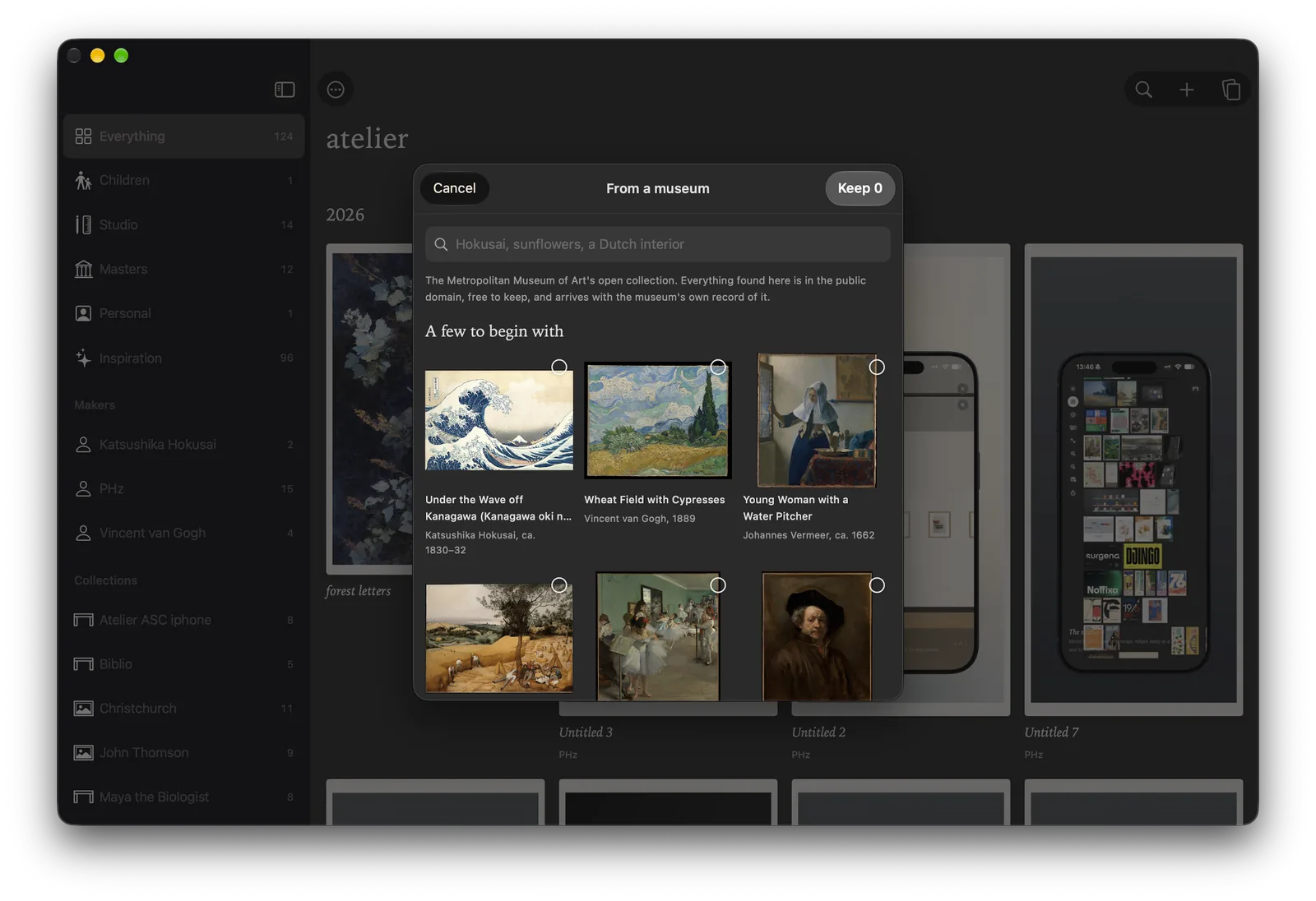
Adding works

From the fridge door to the archive.

Point the camera at a drawing: Atelier finds the page, squares it up and whitens the paper, and keeps the original photograph too.

  • Photos and files from your library, the Files app or the Finder.
  • Share into Atelier from Safari, Photos or any app, or paste a link.
  • Drop onto the Mac window, or paste with Command V.
  • Dated by the camera. A photo taken on the day keeps that day.
Adding from a museum in Atelier on a Mac: a sheet of public-domain works, including The Great Wave and Wheat Field with Cypresses, over the grid.

Built to keep things for fifty years.

The archive belongs to you, in a form that will outlast any app.

Plain files

Every work is a folder with the original file, untouched, and a small JSON file describing it. Export the whole archive any time.

Your own iCloud

The archive lives in your iCloud Drive and follows you between iPhone, iPad and Mac. Nothing passes through us.

Shared with family

Choose the makers to share, such as the children, and invite family through iCloud. They can see those works and add their own.

Small things that matter over time.

Search by colour

Type a word, or tap a colour to see the works of that colour, closest first. "Blue" beside a name finds that person's blue pictures.

Vaeda, the curator

Suggests a title, a short caption and tags for a work. He runs on the device with Apple Intelligence and never sends a picture anywhere.

Honest dates

Known to the day, the month, the year, the decade or the century, with "about" when you are not sure.

Five wings

Children, Personal, Studio, Inspiration and Masters, each with the room that suits it.

At home on the Mac

A sidebar, drag and drop, keyboard shortcuts, and rooms you can walk with the arrow keys. See the keys.

No account

Open the app and start keeping. Anonymous usage counts can be turned off in About.

Start free. Buy once.

The first 30 works cost nothing. After that, a one-time purchase removes the limit for the wings you use, and either one brings the masters. No subscription, and nothing you have already kept is ever locked.

Free
30 works, every room, every device
Family
Children and Personal, without limit
Studio
Studio and Inspiration, without limit
Both
Every wing, without limit

Questions, answered plainly.

Is Atelier free?

The first 30 works are free. After that, one-time purchases remove the limit: one for the Children and Personal wings, one for Studio and Inspiration, or both together. There is no subscription, and nothing already kept is ever locked.

Where are my pictures stored?

In the Atelier folder of your own iCloud Drive, or on the device if iCloud is off. Every work is a folder holding the original file and a small JSON file describing it, so the archive can be read without the app. Nothing is uploaded to us.

Which devices does Atelier run on?

iPhone and iPad on iOS 18 or later, and Mac on macOS 15 or later. One App Store download covers all three, and iCloud keeps them in step.

Can my family see the children's drawings?

Yes. Choose the makers to share, such as the children, and invite people through iCloud. Everyone you invite sees those makers' works and can add to them. Everything else stays private to you.

What does Atelier have to do with Biblio?

They are made by the same small team. Link Biblio and the books from your shelf stand in Atelier's studio beside your work; Atelier only ever reads them.

Something is not working.

The support page answers the common questions, or write to hello@agenti.nz.
Keep what they make. Walk among it.